The AB Electronics UK Knowledge Base provides support solutions, tutorials and troubleshooting guides.

YOU WILL NEED THIS BOARD
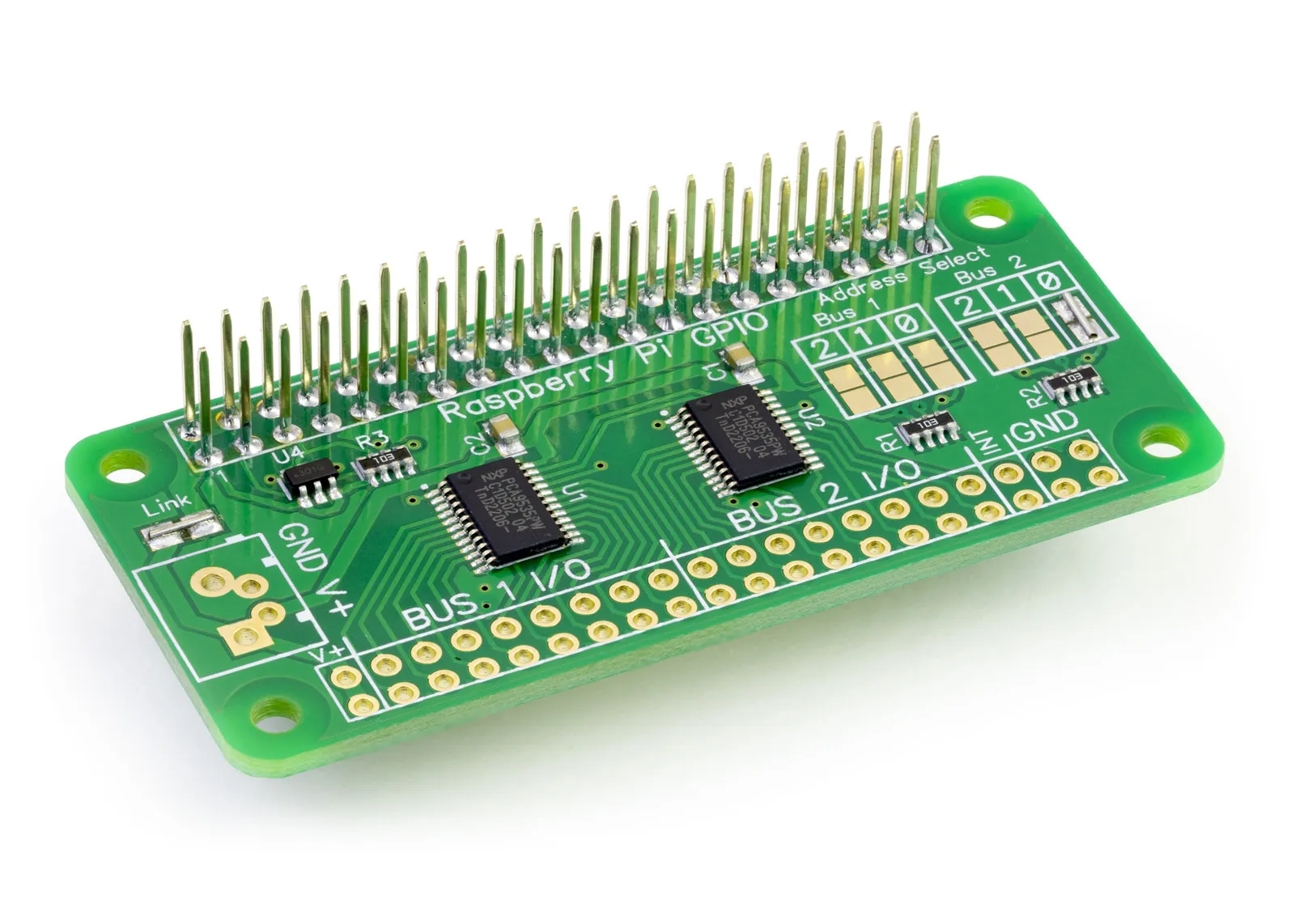
IO Zero 32
32 channel digital I/O development board for the Raspberry Pi and Single-Board Computers
£9.89 ex VAT
C Library to use with IO Zero 32 Raspberry Pi development board.
The example C programs can be found in /ABElectronics_C_Libraries/IOZero32/demos
Downloading and Installing the library
To download to your Raspberry Pi type in the terminal:
git clone https://github.com/abelectronicsuk/ABElectronics_C_Libraries.git
Functions
set_pin_direction(uint8_t address, uint8_t pin, uint8_t direction):
Set the IO direction for an individual pin
Parameter: (uint8_t) address: I2C address for the target device
Parameter: (uint8_t) pin: 1 to 16
Parameter: (uint8_t) direction: 1 = input, 0 = output
Returns: null
get_pin_direction(uint8_t address, uint8_t pin)
Get the IO direction for an individual pin
Parameter: (uint8_t) address: I2C address for the target device
Parameter: (uint8_t) pin: pin to read, 1 to 16
Returns: (uint8_t) 1 = input, 0 = output
set_port_direction(uint8_t address, uint8_t port, uint8_t direction):
Set the IO direction for the specified IO port
Parameter: (uint8_t) address: I2C address for the target device
Parameter: (uint8_t) port: 0 = pins 1 to 8, 1 = pins 9 to 16
Parameter: (uint8_t) direction: number between 0 and 255 or 0x00 and 0xFF. Each bit in the 8-bit number represents a pin on the port. 1 = input, 0 = output
Returns: null
get_port_direction(uint8_t address, uint8_t port):
Get the direction from an IO port
Parameter: (uint8_t) address: I2C address for the target device
Parameter: (uint8_t) port: 0 = pins 1 to 8, 1 = pins 9 to 16
Returns: (uint8_t) number between 0 and 255 (0xFF)
set_bus_direction(uint8_t address, uint16_t direction):
Set the IO direction for all pins on the bus
Parameter: (uint8_t) address: I2C address for the target device
Parameter: (uint8_t) direction: 16-bit number 0 to 65535 (0xFFFF). For each bit 1 = input, 0 = output
Returns: null
get_bus_direction(uint8_t address)
Get the direction for an IO bus
Parameter: (uint8_t) address: I2C address for the target device
Returns: (uint16_t) 16-bit number 0 to 65535 (0xFFFF). For each bit 1 = input, 0 = output
write_pin(uint8_t address, uint8_t pin, uint8_t value)
Write to an individual pin 1 - 16
Parameter: (uint8_t) address: I2C address for the target device
Parameter: (uint8_t) pin: 1 to 16
Parameter: (uint8_t) value: 1 = logic high, 0 = logic low
Returns: null
write_port(uint8_t address, uint8_t port, uint8_t value)
Write to all pins on the selected port
Parameter: (uint8_t) address: I2C address for the target device
Parameter: (uint8_t) port: 0 = pins 1 to 8, 1 = pins 9 to 16
Parameter: (uint8_t) value: number between 0 and 255 or 0x00 and 0xFF. Each bit in the 8-bit number represents a pin on the port. 1 = logic high, 0 = logic low
Returns: null
write_bus(uint8_t address, uint16_t value)
Write to all pins on the selected bus
Parameter: (uint8_t) address: I2C address for the target device
Parameter: (uint8_t) value: 16-bit number 0 to 65535 (0xFFFF). For each bit 1 = logic high, 0 = logic low
Returns: null
read_pin(uint8_t address, uint8_t pin)
Read the value of an individual pin 1 - 16
Parameter: (uint8_t) address: I2C address for the target device
Parameter: (uint8_t) pin: 1 to 16
Returns: (uint8_t) 0 = logic low, 1 = logic high
read_port(uint8_t address, uint8_t port)
Read all pins on the selected port
Parameter: (uint8_t) address: I2C address for the target device
Parameter: (uint8_t) port: 0 = pins 1 to 8, 1 = pins 9 to 16
Returns: (uint8_t) number between 0 and 255 or 0x00 and 0xFF. Each bit in the 8-bit number represents a pin on the port. 0 = logic low, 1 = logic high
read_bus(uint8_t address)
Read all pins on the bus
Parameter: (uint8_t) address: I2C address for the target device
Returns: (uint16_t) 16-bit number 0 to 65535 (0xFFFF) Each bit in the 16-bit number represents a pin on the port. 0 = logic low, 1 = logic high
set_pin_polarity(uint8_t address, uint8_t pin, uint8_t polarity)
Set the polarity of the selected pin
Parameter: (uint8_t) address: I2C address for the target device
Parameter: (uint8_t) pin: 1 to 16
Parameter: (uint8_t) polarity: 0 = same logic state of the input pin, 1 = inverted logic state of the input pin
Returns: null
get_pin_polarity(uint8_t address, uint8_t pin)
Get the polarity of the selected pin
Parameter: (uint8_t) address: I2C address for the target device
Parameter: (uint8_t) pin: pin to read, 1 to 16
Returns: (uint8_t) 0 = same logic state of the input pin, 1 = inverted logic state of the input pin
set_port_polarity(uint8_t address, uint8_t port, uint8_t polarity)
Set the polarity of the pins on a selected port
Parameter: (uint8_t) address: I2C address for the target device
Parameter: (uint8_t) port: 0 = pins 1 to 8, 1 = pins 9 to 16
Parameter: (uint8_t) polarity: number between 0 and 255 or 0x00 and 0xFF. Each bit in the 8-bit number represents a pin on the port. 0 = same logic state of the input pin, 1 = inverted logic state of the input pin
Returns: null
get_port_polarity(uint8_t address, uint8_t port):
Get the polarity for the selected IO port
Parameter: (uint8_t) address: I2C address for the target device
Parameter: (uint8_t) port: 0 = pins 1 to 8, 1 = pins 9 to 16
Returns: (uint8_t) number between 0 and 255 (0xFF)
set_bus_polarity(uint8_t address, uint16_t polarity)
Set the polarity of the pins on the bus
Parameter: (uint8_t) address: I2C address for the target device
Parameter: (uint8_t) polarity: 16-bit number 0 to 65535 (0xFFFF). For each bit 0 = same logic state of the input pin, 1 = inverted logic state of the input pin
Returns: null
get_bus_polarity(uint8_t address)
Get the polarity of the pins on the bus
Parameter: (uint8_t) address: I2C address for the target device
Returns: (uint16_t) 16-bit number 0 to 65535 (0xFFFF). For each bit 0 = same logic state of the input pin, 1 = inverted logic state of the input pin
Also useful for your Raspberry Pi project
Temperature & Sensing
1 Wire Pi Plus
Connect dozens of 1-Wire sensors - temperature, iButtons, EEPROMs - via a single GPIO pin. Stacks directly on the 40-pin header.
Analogue I/O
ADC Pi
Read up to 8 analogue inputs - perfect for pairing with your temperature sensors or other analogue-output devices.
All-in-one
Expander Pi
Combines ADC, DAC, 32 GPIO ports and a real-time clock on one board. The most versatile board for complex Raspberry Pi projects.
Related Articles
- ADC DAC Pi with Python
- ADC-DAC Pi Zero with Raspberry Pi Pico
- ADC DAC Pi C Library
- ADC DAC Pi Python Library
- ADC Differential Pi C Library
- ADC Pi C Library
- ADC Pi Python Library
- Expander Pi C Library
- I2C Switch C Library
- I2C Switch Python Library
- IO Pi C Library
- IO Zero 32 C Library
- RTC Pi C Library
- Servo Pi Python Library
- Servo PWM Pi C Library
Order these Boards
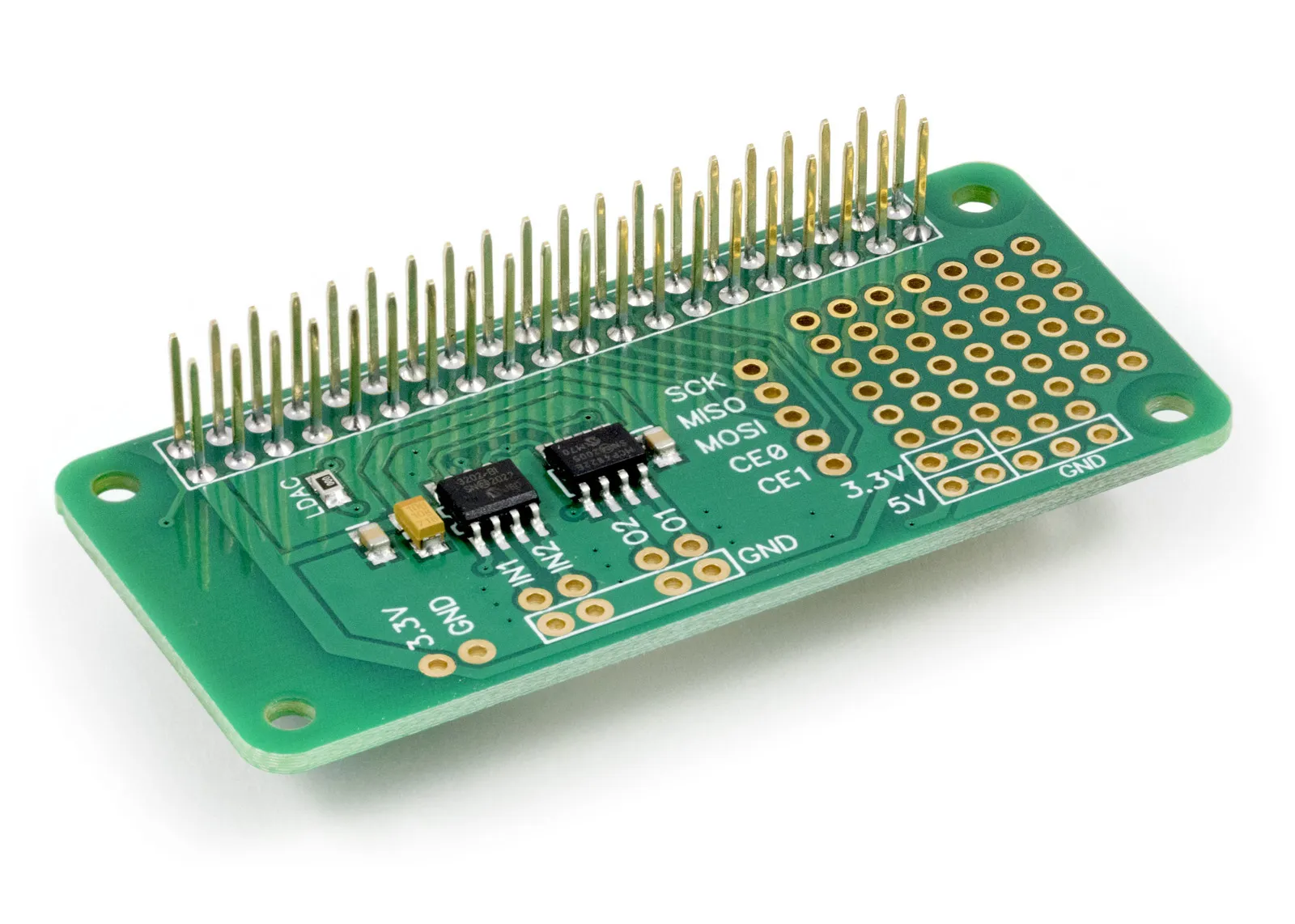
ADC-DAC Pi Zero
2 Channel ADC and 2 Channel DAC development board for the Raspberry Pi
£11.24 ex VAT